From the Main Menu, select Kep.
Elements, then Internet update, then Start download. The rest is automatic. You must have an internet
connection, of course.
From the Main Menu, select Kep.
Elements, then Internet update, then Start download. The rest is automatic. You must have an internet
connection, of course.
Nova's internal HTTP/FTP download function, activated from the
Main Menu, uses your Internet connection to download new Keplerian elements from
the internet.
After downloading, it automatically updates Nova for Windows' internal database.
The entire operation can be done with one mouse click.
From the Main Menu, select Kep.
Elements, then Internet update, then Start download. The rest is automatic. You must have an internet
connection, of course.
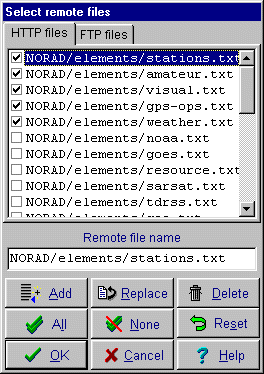
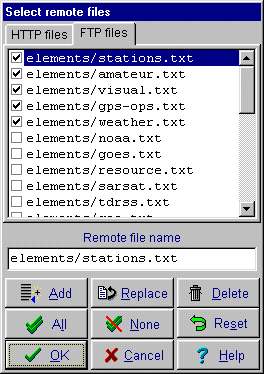
Select the file(s) to download by choosing Configure
Internet download from the Main Menu, then clicking on the  Remote files button...

The file list is shown in the drop-down list: